
In 2026, Star Wars Outlaws remains a compelling open-world adventure, and Kay Vess's blaster is still one of her most important tools. The weapon features three distinct firing modes—plasma, ion, and power—each suited to different combat scenarios. While stealth is often the preferred approach, blaster upgrades become essential when plans fall apart and violence is the only answer. This guide, based on extensive playtime and community consensus, breaks down the best blaster upgrades, how to unlock them, and where to find the necessary parts. 
Best Plasma Blaster Upgrades
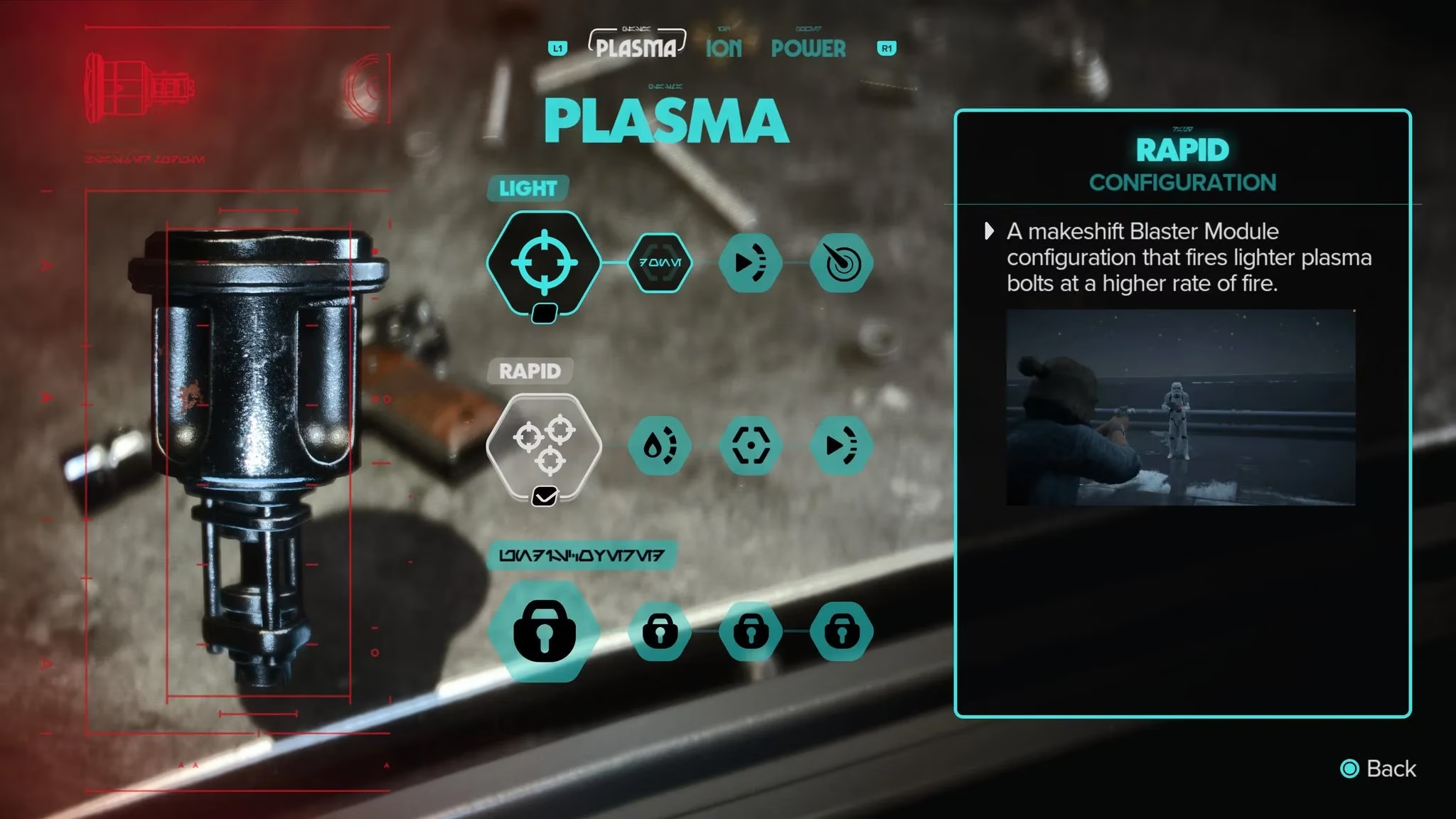
The plasma module is Kay's default weapon mode, and it offers a versatile balance of damage and fire rate. According to experienced players, the Rapid configuration is the standout choice. It fires multiple blaster rounds in a short span, which makes it easy to soften enemies quickly. Those rounds are slightly weaker than the default configuration and cause the blaster to overheat faster, but they also stagger non-elite foes, buying precious seconds to hide or retreat. For this configuration, Super Cooling and Improved Heat Capacity are essential. Since Super Cooling is locked behind Improved Accuracy, players must unlock the entire upgrade chain to reach it.
That said, the default Light plasma module can serve well for a long time. If it feels comfortable, unlocking its three associated improvements—especially damage—is a solid strategy. The Heavy configuration is fine, but its slow rate of fire makes it less appealing than simply switching to the power module.
| Configuration | Best Upgrades | Why It Works |
|---|---|---|
| Rapid | Super Cooling, Improved Heat Capacity, Improved Accuracy | Fast rounds, stagger effect, but needs cooling |
| Light (default) | Damage, plus other improvements | Reliable and ammo-efficient |
| Heavy | Not recommended | Slow rate of fire; power module is better |
Best Ion Blaster Upgrades
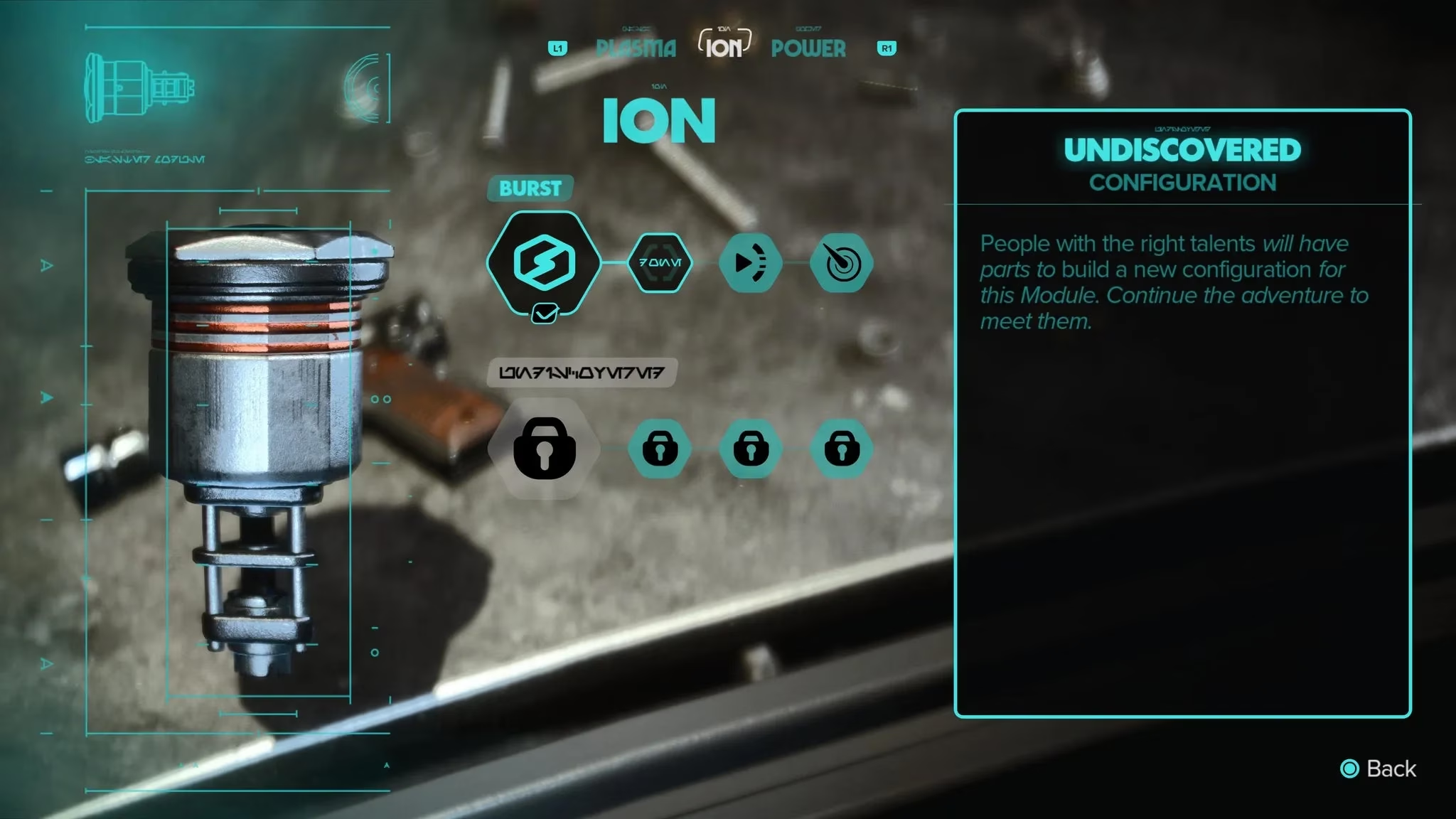
The ion module only has one extra upgrade, but it is still worth the materials. The Surge configuration functions like a more powerful version of the default ion charge. It sends out one larger blast that deals more damage and seems to stun droids for a little bit longer. Given how quickly the ion module overheats, the chance to take out more than one droid before triggering the cooldown phase is always a bonus. All three of Surge's upgrades are worth investing in, but Blast Range and Improved Heat Capacity offer the most value. Players should save materials and skip upgrading the basic Burst ion configuration—it is useful, but not as effective as Surge.
| Configuration | Best Upgrades | Why It Works |
|---|---|---|
| Surge | Blast Range, Improved Heat Capacity, third upgrade | Larger blast, longer stun, better droid control |
| Burst (basic) | Not recommended | Outclassed by Surge |
Best Power Blaster Upgrades
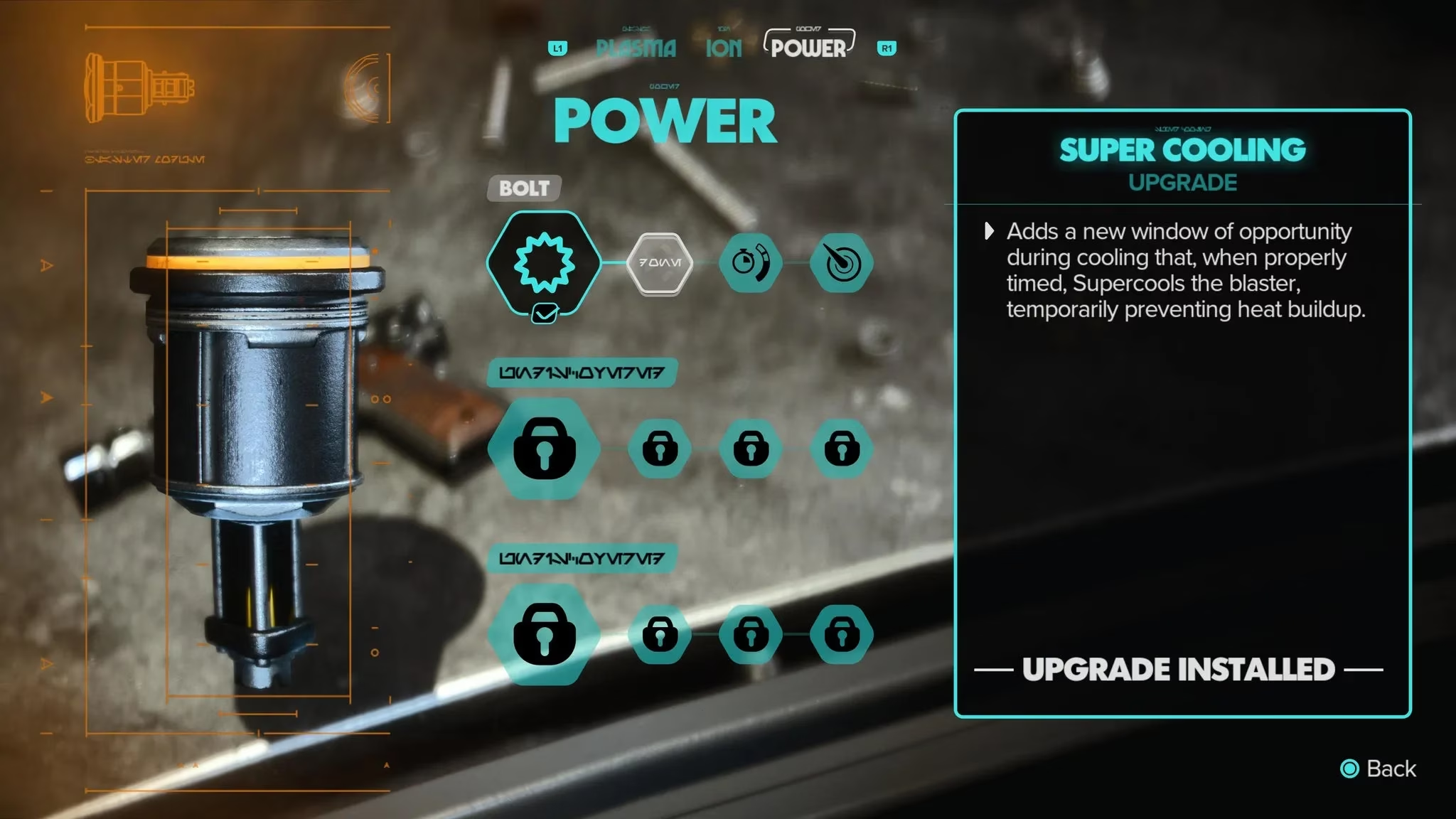
The power module unlocks automatically shortly after ND-5 joins the crew. Like the plasma module, the basic configuration can carry players for a long time. One well-aimed charge bolt is enough to take down non-elite enemies, and the explosion effect can detonate nearby objects if the target is close to something explosive. If players stick with the basic charge bolt, they will need to unlock all three upgrades to get its best performance. Charge Speed and Damage are the most useful, and Damage is the last in the upgrade chain.
Of the two upgraded configurations, Blast should be the next choice for spending materials. The default version is an excellent enhancement that broadens the charged bolt's blast radius, meaning it can catch other enemies and explodable objects in the area. Explosion Radius and Projectile Speed are the most important upgrades, but like the first configuration, players must unlock all of them to reach Explosion Radius. Pulse is decent but inessential in most experiences. It functions like a slightly more powerful charge bolt, though applying damage and speed upgrades to the standard charge configuration yields similar benefits. Still, if cooldowns with the power module are troublesome, Pulse's Improved Passive Cooling makes managing rotations much easier.
| Configuration | Best Upgrades | Why It Works |
|---|---|---|
| Basic charge | Charge Speed, Damage, third upgrade | One-shot non-elites, detonate objects |
| Blast | Explosion Radius, Projectile Speed, third upgrade | Wider blast radius, catches groups |
| Pulse | Improved Passive Cooling, others | Easier cooldown management |
How to Upgrade Kay's Blaster
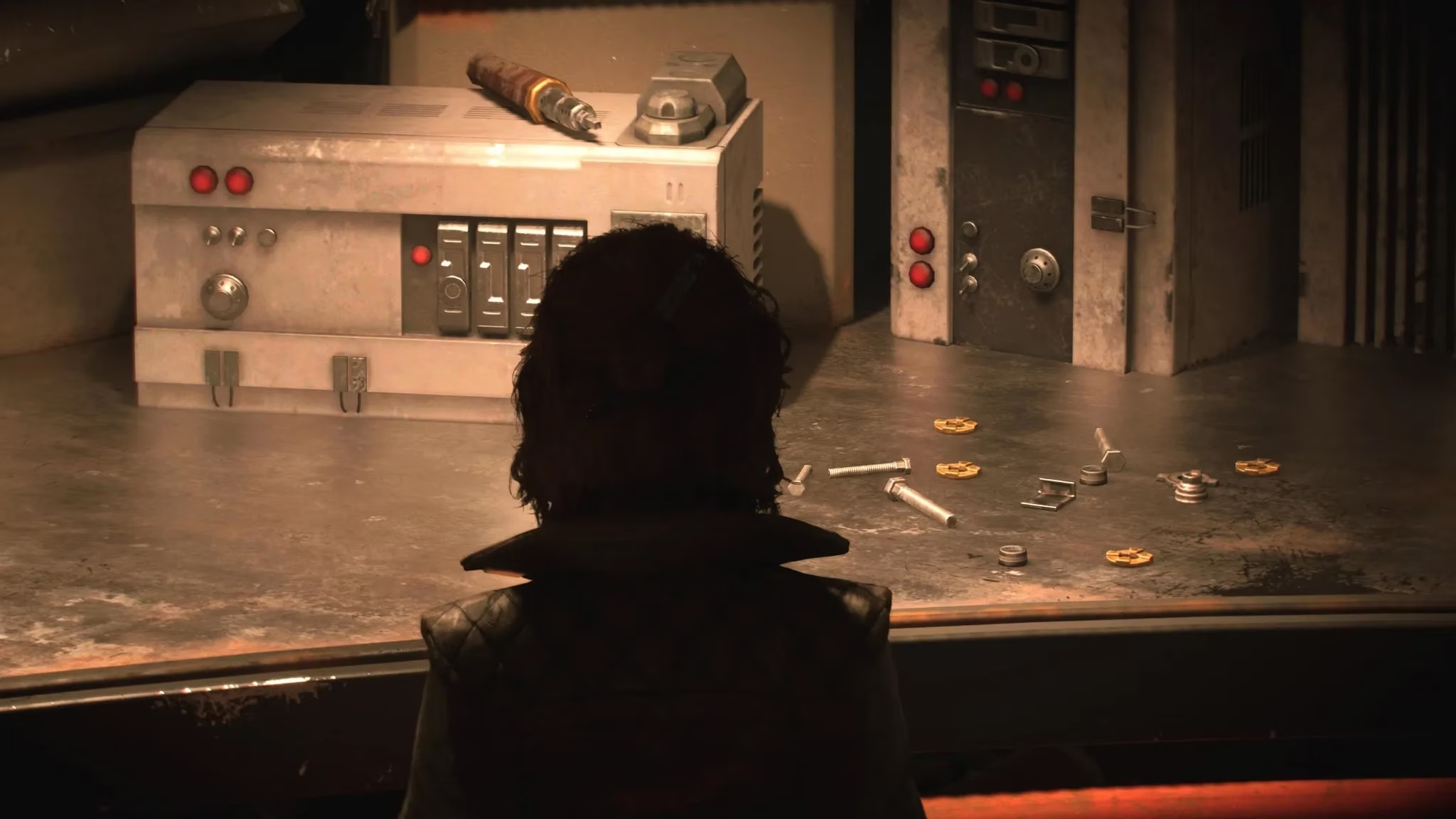
Star Wars Outlaws rolls out blaster upgrades at scripted points, so unlike some early expert skills, players do not have to worry about missing something if they skip an intel chain or side quest. The first upgrade happens once Kay has control over the Trailblazer, and there is a tutorial teaching players how to use the ship workbench to install upgrades. Each blaster module has at least one additional configuration that changes how the weapon functions, and each configuration has three upgrades that smooth out some of the module's rough edges—increasing damage or rate of fire, for example, or increasing how long it takes to overheat. Once the Trailblazer's workbench is unlocked, the blaster can be upgraded at any time, assuming the player is not in a mission that punishes them for leaving the area.
How to Get Blaster Upgrade Parts
Blaster upgrade parts come in two varieties: materials that can be found lying around in most places, and rarer parts that often have to be bought with credits or traded for. Polycarbonate is one of the most common items players will grab in compounds, cantinas—basically anywhere. However, materials such as Blaster Recirculators and Actuating Modules typically only come from traders.
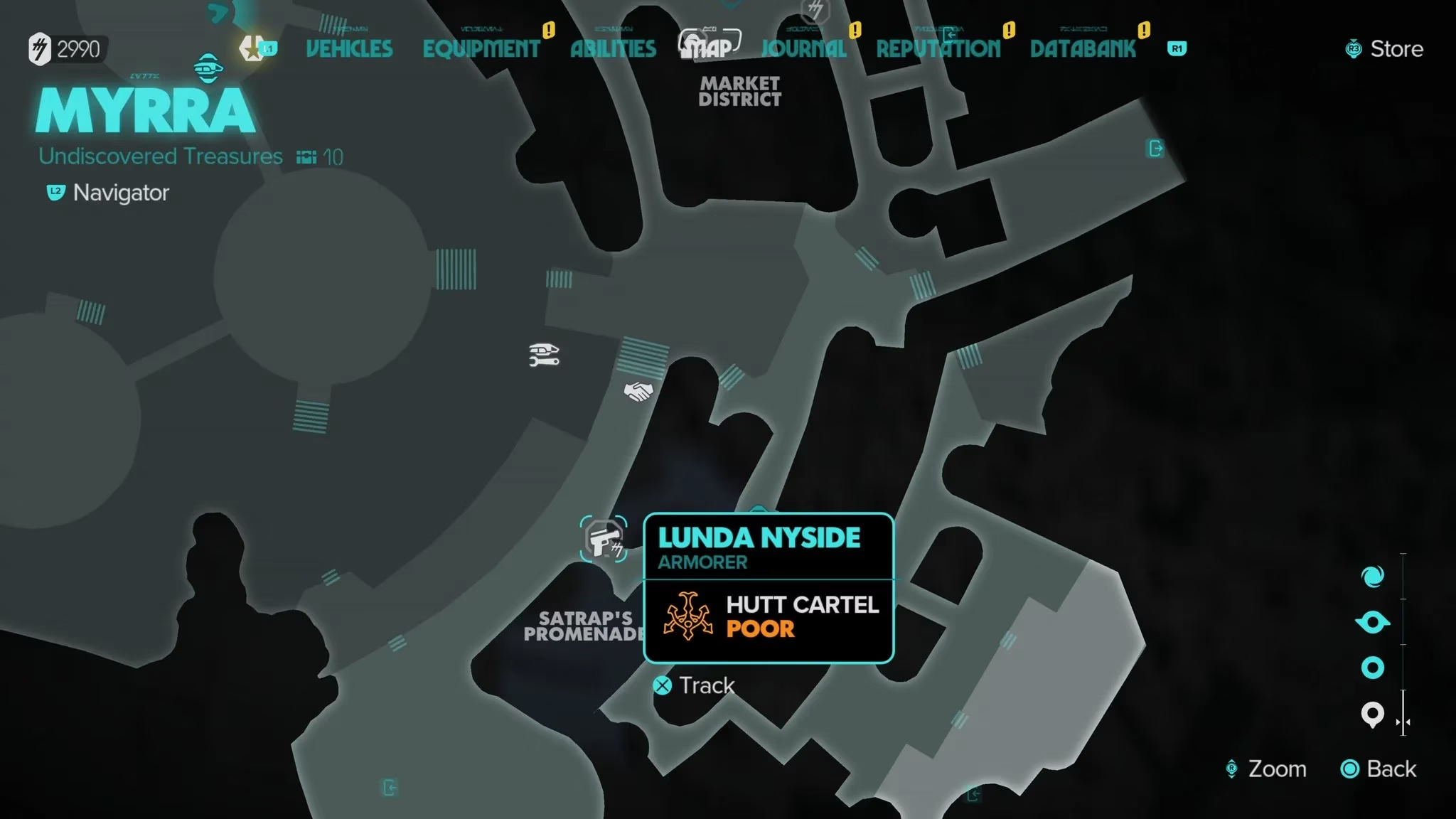
Each major settlement should have either an Armorer merchant or, in Mos Eisley's case, a Jawa trader who can provide these upgrade parts. Armorers let players buy with credits, but the Jawa trader requires items in return. Most Armorers are affiliated with one of Star Wars Outlaws' Syndicates, but even if Syndicate reputation is awful, players can still purchase what they need from them—just at a higher price. They are, thankfully, located in neutral areas and not syndicate territory.
With these upgrades, Kay Vess can handle any firefight that comes her way. Whether players prefer the rapid plasma shots, the stunning ion surges, or the explosive power bolts, investing in the right configurations and parts makes all the difference. Best of luck blasting enemies away in Star Wars Outlaws! 😎🔫